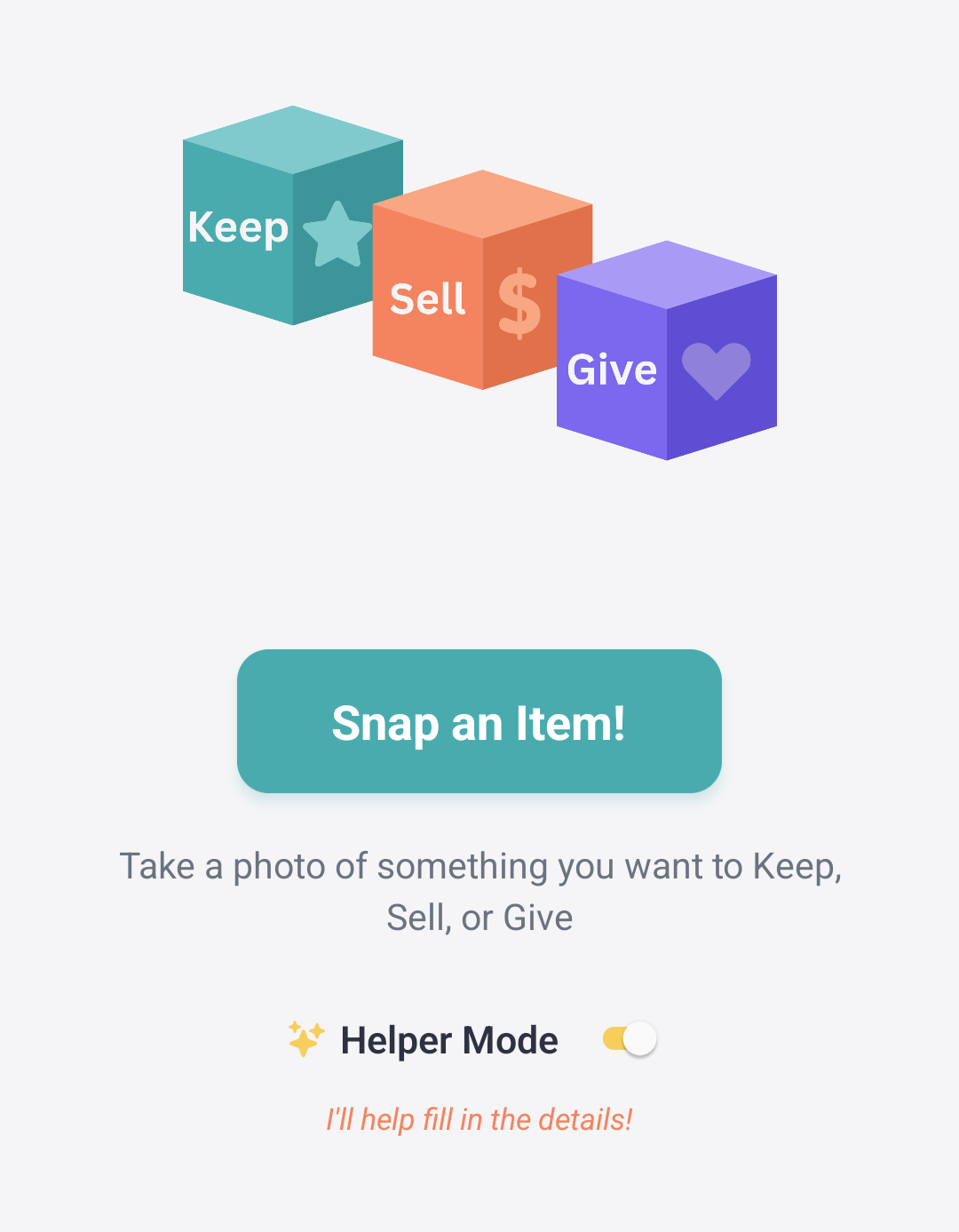
Three Choices. Three Boxes. One App.
Create an account
Everyone has their own profile + PIN
Secure and simple
Takes 2 minutes
1. Create A Family
2. Snap Away
Kids use any device
Photograph their things one by one
Add the details
Helper Mode lends a hand (if you choose)

Make the choice
Keep: Where’s it belong?
Sell: What’s it worth?
Give: Who are we helping?
3. Keep, Sell, Give

4. See It All
The list (your ‘Kidventory’) is ready. Now see:
What goes where
What’s the value
The amount of good you’ve done

Your Choices

-
You can’t let it go. It’s here to stay.
-
It’s one thing to say you’re keeping it. It’s another to know where it goes.
-
See the rooms in your home and click the button on where it goes. Missing a room? Parent Mode can add one whenever needed.

-
Garage Sale or Marketplace, this one goes.
-
The Kid decides the price. $100 stuffy? Sure, why not?
-
Ok, maybe $100 is a bit steep for Stuffy. Change it to $10. And update the actual price when it sells! Let them see how much they can and did make.
-
Not everything stays or sells. Some are donated to share the love.
-
The item has to go, but maybe not far. A friend or cousin or neighbor could love it next. Name the person you’ll give it to.
-
If you prefer to donate the item to charity, mark it in the app.
Helper Mode: Explained
When someone snaps a photo of an item, they have the option to fill in the important details:
Title
Description
Category
Keep, Sell, or Give
For some of our families, that works great. But we know that others might need a little help:
Littles learning to spell.
Bigs that are busy.
Or anyone that just wants an easy button.
So we built Helper Mode. If you want a hand, just switch it on.
When you snap a photo, the app analyzes the picture and gives a suggested title, description, and category. You can leave it as is or change it. Up to you!
And don’t worry, it won’t tell you what to Keep, Sell, or Give!